Ever had a teammate spamming radio commands in CS:GO? Muting him will only block voice and text communication, you will still see and hear his radio commands. It could also be that you are just tired of radio commands in general.
Fortunately, there is a command that lets you mute and ignore all radio commands entirely.
How to mute radio commands in CS:GO
To mute radio commands in Counter-Strike: Global Offensive, just open the developer console and type the following console command:
ignorerad
After typing in the command and pressing enter, you will see the following confirmation:
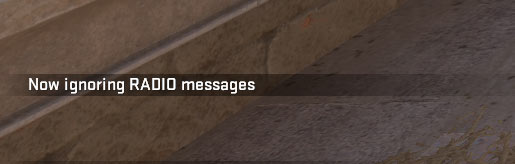
That’s it. If you want to unmute and enable radio commands again, just type in ignorerad and press enter in the console again.
CS:GO Console commands
If you are more interested in CS:GO console commands, make sure to read our CS:GO config and autoexec guide.